


Free Government Cloud Storage for Indians: Complete Guide to DigiLocker Drive 2025
What is DigiLocker Drive?
DigiLocker Drive is a revolutionary cloud storage service launched by the Indian Government as part of the broader DigiLocker ecosystem. Unlike the traditional DigiLocker that focuses on government-issued documents, DigiLocker Drive functions as a personal cloud storage space where citizens can upload, store, and manage their own files, documents, photos, and videos.
This service represents a significant step toward digital empowerment and paperless governance, providing Indians with a secure, government-backed alternative to private cloud storage services. With the backing of the Ministry of Electronics and Information Technology (MeitY), DigiLocker Drive ensures your data remains secure while being easily accessible from anywhere.
Key Features and Benefits
🔑 Key Highlights:
- Free 1GB Storage: Completely free cloud storage space for all Indian citizens
- Government Security: Bank-level security with government authentication
- Universal Access: Available via web portal and mobile app
- Digital Signing: E-sign documents with legal validity
- Easy Sharing: Secure document sharing with individuals and organizations
- Aadhaar Integration: Linked to your Aadhaar for enhanced security
Why Choose DigiLocker Drive?
✅ Advantages
- 100% Free service
- Government-backed security
- Legal validity for documents
- No advertisements
- Privacy protection
- Easy integration with government services
⚠️ Limitations
- Limited to 1GB storage
- No expansion options currently
- Requires Aadhaar authentication
- Internet dependency
- Limited file format support
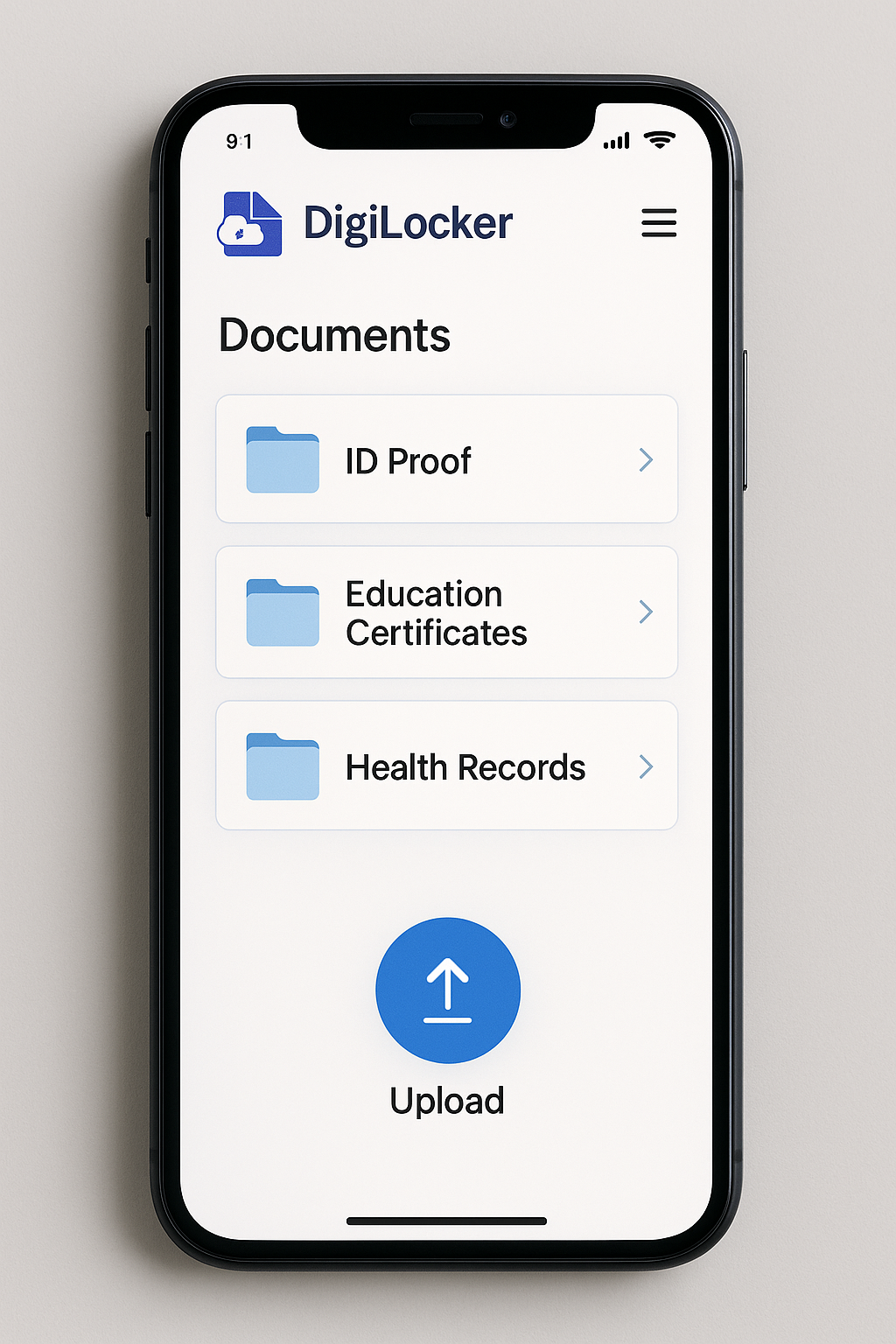
How to Access DigiLocker Drive: Step-by-Step Guide
Getting Started with DigiLocker Drive
Go to digilocker.gov.in or download the DigiLocker app from Google Play Store/App Store
Create a new account using your Aadhaar number and mobile number, or login with existing credentials
Complete OTP verification sent to your registered mobile number linked with Aadhaar
Look for the “Drive” option in the left panel (website) or bottom navigation (mobile app)
Click the “+” icon to upload files, create folders, or organize your documents
What Can You Store on DigiLocker Drive?
DigiLocker Drive supports various file types and allows you to store different categories of content:
Supported File Types
| Category | Supported Formats | Maximum Size per File |
|---|---|---|
| Documents | PDF, DOC, DOCX, TXT | 1MB per document |
| Images | JPG, JPEG, PNG, BMP, GIF | 1MB per image |
| Videos | MP4, AVI, MOV (limited) | Depends on total storage |
| Certificates | PDF, JPG, PNG | 1MB per certificate |
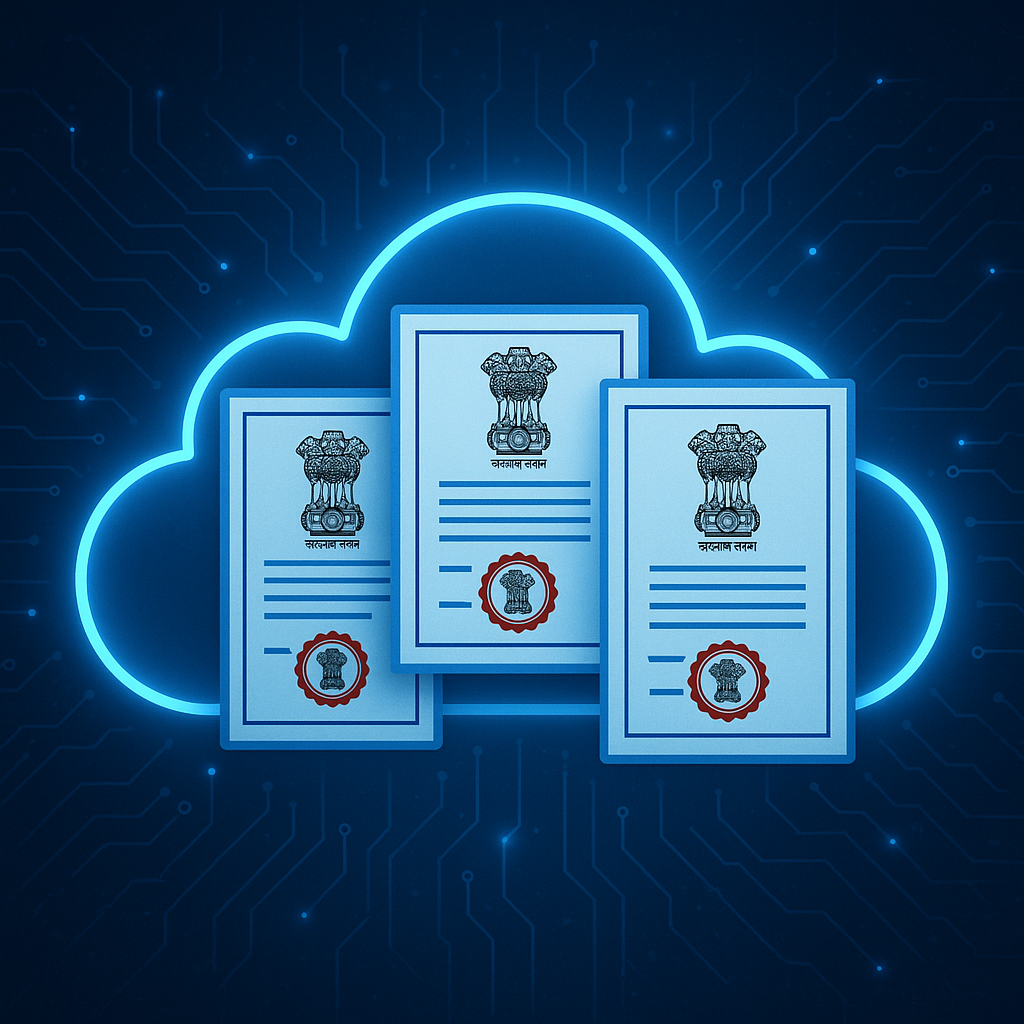
What You Can Store:
- Educational Certificates: Degree certificates, mark sheets, diplomas
- Identity Documents: Scanned copies of Aadhaar, PAN, passport, driving license
- Professional Documents: Resume, work certificates, experience letters
- Personal Photos: Family photos, important memories
- Financial Documents: Bank statements, insurance papers, tax documents
- Medical Records: Prescriptions, test reports, vaccination certificates
- Legal Documents: Property papers, contracts, agreements
DigiLocker Drive vs. Other Cloud Storage Services
| Feature | DigiLocker Drive | Google Drive | OneDrive |
|---|---|---|---|
| Free Storage | 1GB | 15GB | 5GB |
| Security | Government-grade | Standard encryption | Standard encryption |
| Legal Validity | E-sign supported | No | No |
| Data Location | India servers | Global servers | Global servers |
| Privacy | Government protected | Company policy | Company policy |
| Cost | Always Free | Paid plans available | Paid plans available |
Features and Functionality
Core Features
- File Upload & Download: Easy drag-and-drop or click-to-upload functionality
- Folder Organization: Create custom folders to organize your documents
- Search Functionality: Quickly find your documents using the search feature
- File Sharing: Share documents securely with others via links
- E-Signature: Digitally sign documents with legal validity
- Mobile Sync: Access your files from any device with internet connection
- Backup & Restore: Government-backed data protection and recovery
Advanced Features
- Version Control: Keep track of document versions and changes
- Access Logs: Monitor who accessed your documents and when
- Expiry Settings: Set expiration dates for shared links
- Bulk Operations: Upload or download multiple files simultaneously
- Integration: Seamless integration with other government services
Security and Privacy
DigiLocker Drive employs bank-level security measures to protect your data:
Security Measures
- Encryption: 256-bit SSL encryption for data transmission
- Aadhaar Authentication: Multi-factor authentication using Aadhaar
- Government Servers: Data stored on secure government servers in India
- Regular Audits: Periodic security audits and compliance checks
- Access Control: Strict access controls and user permissions
- Data Backup: Regular automated backups to prevent data loss
Privacy Protection
Your privacy is protected by:
- Government data protection policies
- No commercial use of personal data
- Transparent privacy policies
- User consent for data sharing
- Right to data portability
Limitations and Considerations
Current Limitations
- Storage Limit: Fixed 1GB storage with no expansion options currently
- File Size Limit: Individual files limited to 1MB for documents
- Internet Dependency: Requires stable internet connection for access
- Limited Formats: Restricted file format support compared to commercial services
- No Offline Access: Files cannot be accessed without internet connectivity
Who Should Use DigiLocker Drive?
- Students: For storing certificates, mark sheets, and academic documents
- Professionals: For important work documents and credentials
- Senior Citizens: For secure storage of important documents
- Government Employees: For official document management
- Small Business Owners: For business document storage and sharing
- General Citizens: For personal document backup and organization
Future Developments and Roadmap
The Indian Government has indicated several potential enhancements for DigiLocker Drive:
Planned Improvements
- Storage Expansion: Potential increase from 1GB to higher limits
- Enhanced Features: Better collaboration tools and sharing options
- Mobile Optimization: Improved mobile app with offline capabilities
- Integration: Better integration with other Digital India services
- AI Features: Document recognition and automatic categorization
Tips for Maximum Benefit
🎯 Best Practices
- Organize with Folders: Create a logical folder structure for easy navigation
- Regular Backups: Use DigiLocker Drive as part of your overall backup strategy
- Optimize File Sizes: Compress large files to maximize your 1GB storage
- Use E-Signature: Take advantage of the legal e-signature feature
- Secure Sharing: Use expiry dates for shared links to maintain security
- Regular Cleanup: Remove unnecessary files to free up space
- Document Everything: Store important documents with proper naming conventions
Frequently Asked Questions
Is DigiLocker Drive really free?
Yes, DigiLocker Drive is completely free for all Indian citizens. The 1GB storage space comes at no cost and is backed by the Indian Government.
Can I increase my storage beyond 1GB?
Currently, there’s no option to expand storage beyond 1GB. However, the government may introduce paid plans or increase free storage in the future.
Is my data safe with the government?
Yes, your data is protected by government-grade security and privacy policies. The service follows strict data protection regulations.
Can I access DigiLocker Drive from outside India?
Yes, you can access your DigiLocker Drive from anywhere in the world with an internet connection.
What happens if I lose my phone or forget my password?
You can recover your account using your Aadhaar number and registered mobile number through the official recovery process.
Conclusion
DigiLocker Drive represents a significant milestone in India’s digital transformation journey. By offering free, secure, government-backed cloud storage, it empowers citizens with digital tools while ensuring data security and privacy. Although the 1GB storage limit may seem modest compared to commercial alternatives, the unique benefits of government authentication, legal validity, and enhanced security make it an invaluable service for Indian citizens.
Whether you’re a student storing academic certificates, a professional managing work documents, or a citizen looking for secure document storage, DigiLocker Drive provides a trustworthy platform that aligns with India’s vision of Digital India and paperless governance.
Take advantage of this free government service today and join millions of Indians who are already benefiting from secure, government-backed cloud storage.








3 Comments
[…] Also Read: Free Cloud storage feature in DigiLocker […]
[…] Also Read: Free Cloud Storage now in DigiLocker […]
[…] Also Read: Free cloud Storage now in Digi Locker […]